TourBox Dynamic Panel V2 Enables Robust Full-Screen Photo Editing in Lightroom
Our take

The evolution of the photography workflow is a constant dance between technical prowess and aesthetic expression, and TourBox’s Dynamic Panel V2 for Lightroom represents a significant step toward harmonizing the two. Last fall’s initial release offered a glimpse into a clutter-free editing experience, but this iteration, responding directly to user feedback, solidifies the potential for a more immersive and intuitive Lightroom environment. It’s a development that resonates deeply with photographers seeking to elevate their creative process, especially those already invested in the TourBox Elite console. For the discerning creative, streamlining the workflow while maintaining access to essential tools is paramount, and this plugin directly addresses that need. It's a trend that builds upon the broader movement towards optimized creative workspaces, much like the considerations explored in our recent article about [Top Father’s Day Photography Deals on Cameras, Lenses, and Tripods], where efficient gear contributes to a smoother overall experience. The desire to maximize productivity is a universal one, and this tool caters specifically to the photographer’s unique demands.
The beauty of Dynamic Panel V2 lies not just in its added panels—color grading, HSL, tone curve, crop, and white balance now readily accessible—but in the philosophy behind its design. Removing the distractions of Lightroom’s traditional interface allows photographers to truly *see* the image, to focus on the artistic choices rather than wrestling with menus. This echoes the immersive experience many strive for, mirroring the dedication to capturing authentic moments, as demonstrated by the compelling images captured using mobile technology showcased in [Photographing a World Cup Match With My Phone Worked Surprisingly Well]. The ability to manipulate these critical elements in a full-screen, distraction-free environment has the potential to unlock new levels of creative control and efficiency, reducing the cognitive load and allowing for more instinctive adjustments. It’s a shift away from the utilitarian and toward a more fluid and artistic engagement with the editing process, aligning with our brand's focus on a harmonious blend of form and function.
The significance of this development extends beyond simply enhancing Lightroom usability. It speaks to a broader trend within the creative industries: the increasing demand for specialized hardware and software integrations designed to optimize workflows. We’ve seen this previously with camera traps documenting wildlife, as detailed in [Camera Traps Capture Wolves Hunting European Bison for the First Time], where specific equipment facilitates unique and impactful photographic storytelling. TourBox’s Dynamic Panel V2 fits into this ecosystem, offering a targeted solution for a particular creative need. This level of customization and integration is becoming increasingly valuable for professionals and serious hobbyists alike, who are willing to invest in tools that genuinely improve their creative output and streamline their process. The focus on user feedback in the V2 release also highlights the growing importance of community-driven development in the creative software space.
Looking ahead, the integration of AI-powered editing tools within these customized workspaces seems inevitable. Imagine Dynamic Panel V2 evolving to incorporate intelligent adjustments based on the image content, further reducing manual intervention and allowing photographers to focus on the artistic vision. Will we see more hardware manufacturers creating specialized panels for other Adobe applications, or even venturing into entirely new creative software platforms? The dynamic relationship between hardware, software, and evolving creative workflows promises a fascinating future, and TourBox's Dynamic Panel V2 is a compelling indicator of the direction we’re heading.
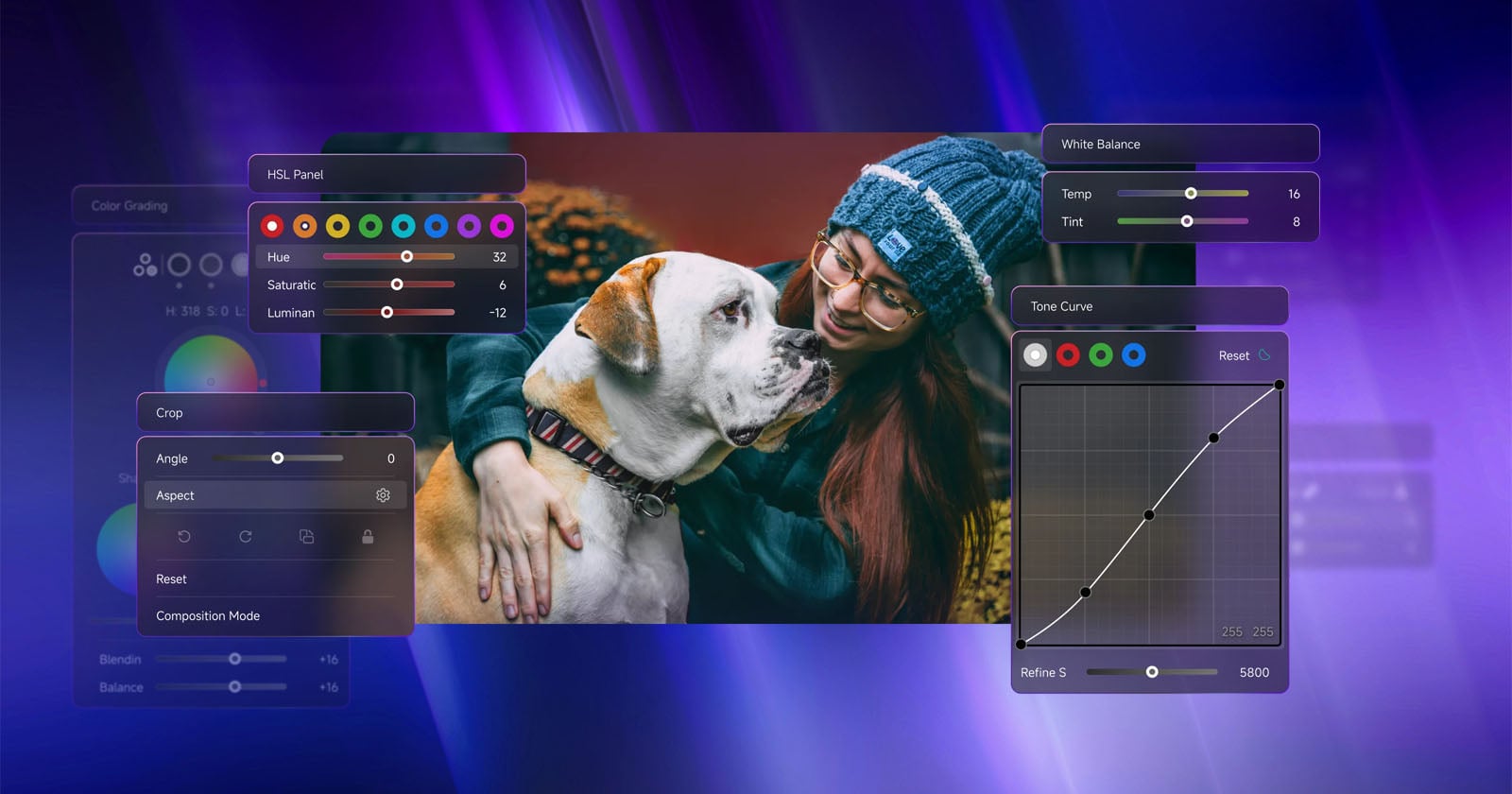
Last fall, TourBox released the Dynamic Panel for Lightroom, a new plugin for Adobe Lightroom Classic and Lightroom that enabled full-screen, clutter-free photo editing inside Lightroom when used alongside the TourBox Elite creative editing console. Dynamic Panel V2 has arrived with several new panels that photographers demanded.
Read on the original site
Open the publisher's page for the full experience