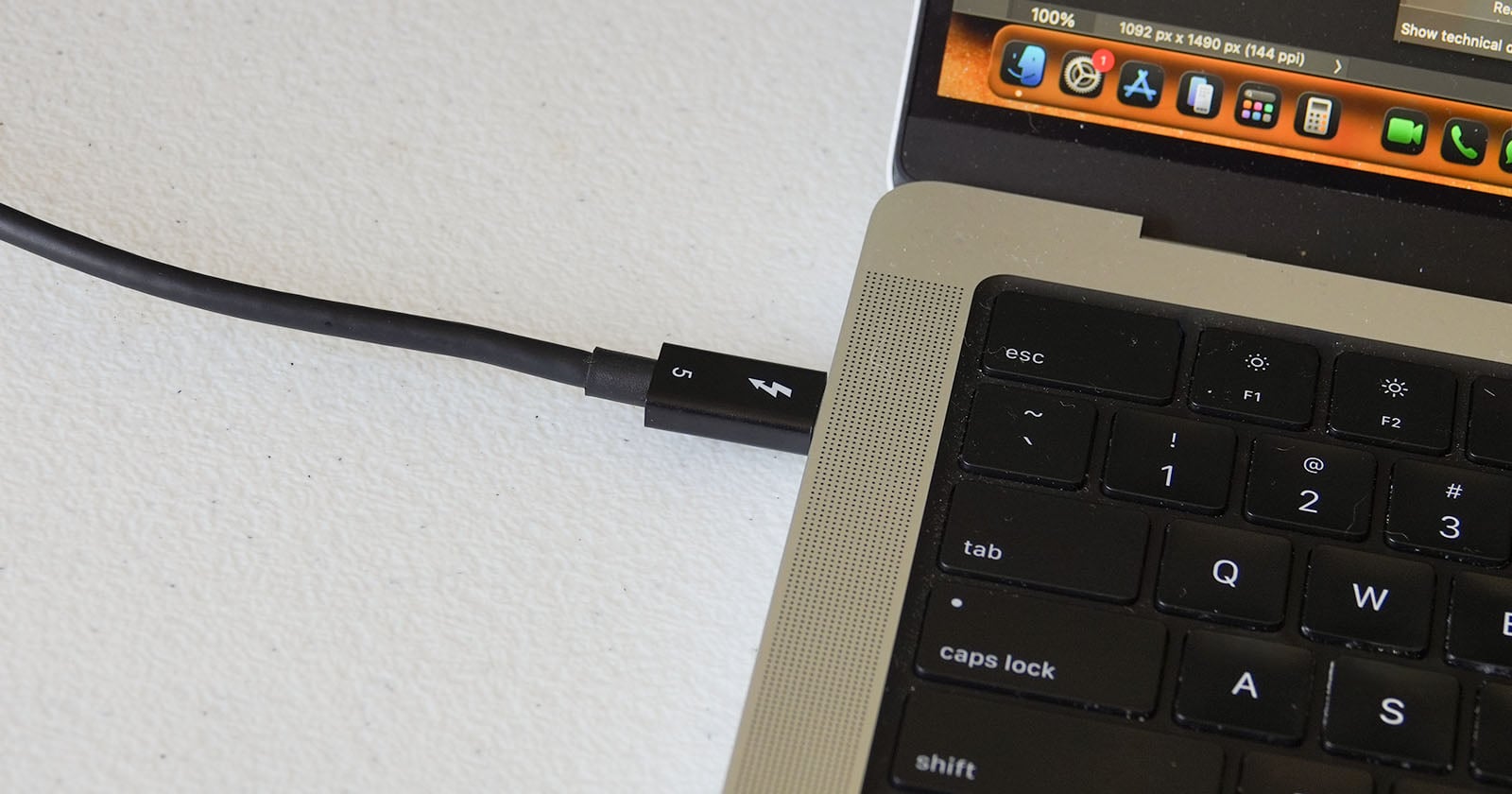
The tangled drawer of USB-C cables is a quiet frustration of modern life, one we suspect many of you know intimately. Some cables arrive perfectly labeled, their speeds and wattages declared with confidence. Others are maddeningly mute, offering no clue whether they can handle a 100W charge or transfer a photo in seconds. Even when a cable *does* carry markings, it sometimes fails to deliver what it promises. So when a free Mac app called WhatCable arrives to decode these mysteries, we pay attention. It speaks directly to the part of us that values both function and clarity, the same instinct that curates a wardrobe or chooses a studio with perfect light.
WhatCable does not require a technical manual to operate. Plug in a USB-C cable, and the app reveals its capabilities: supported data speeds, power delivery limits, and even the often-opaque distinction between a Thunderbolt cable and a standard USB-C one. For the creative professional who moves large video files between drives, or the fitness enthusiast who charges a laptop, camera, and earbuds from a single hub, this is not a novelty. It is a practical tool that eliminates guesswork. We would tell any reader who asks: if you have ever bought a "fast" cable only to watch a transfer crawl, or plugged in a charger and wondered why the battery icon stayed stubbornly still, this app is worth a download. It turns an opaque object into a transparent one, a small but genuine upgrade to how you interact with your gear.
Our honest take is that this kind of utility matters precisely because it is unglamorous. The tech world loves to sell us new ports and protocols, but rarely helps us navigate the clutter we already own. WhatCable respects your time and your existing investments. It does not promise to transform your workflow; it simply tells you what is in your hand. That subtle shift, from passive ownership to informed choice, feels authentic. It aligns with a broader sensibility we admire: the idea that a well-made tool, whether a yoga mat or a cable tester, should reveal its purpose without a manual. The app's free availability also removes any barrier. There is no subscription to weigh, no premium tier to consider. Just plug, learn, and decide.
One specific takeaway a reader could quote: *WhatCable turns a drawer of unknowns into a set of known quantities, and that clarity is worth more than any marketing promise.* The open question we are left with is whether this kind of transparency will spread. Will cable manufacturers feel pressured to label their products as honestly as this app can verify them? Or will we continue to rely on a free piece of software to do the work they should have done? For now, the practical answer is simple: download it, test your cables, and toss the ones that lie. Your next creative project deserves a connection that actually delivers.