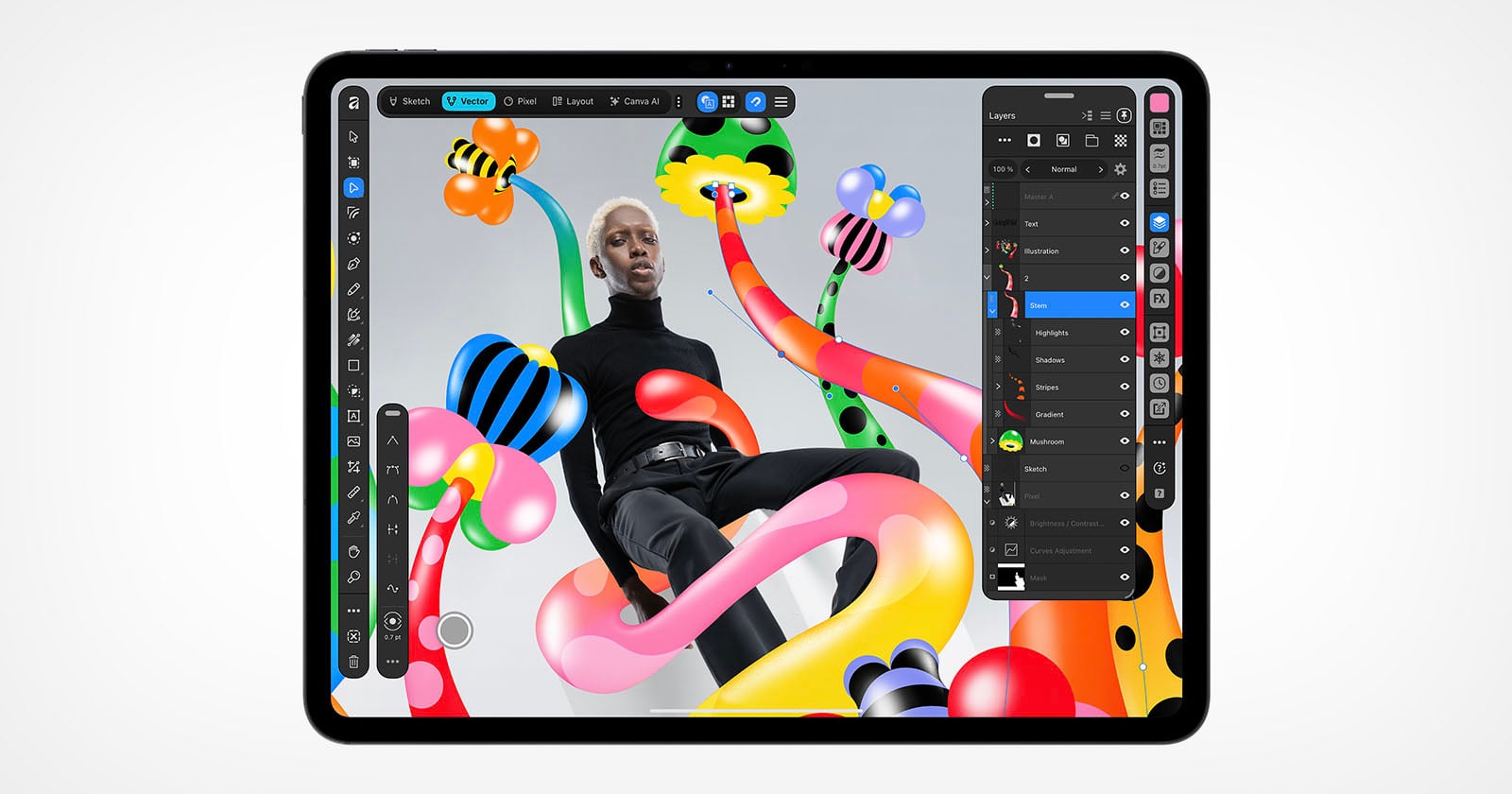
Affinity arriving on the iPad is the most consequential thing Canva has done since it acquired the suite, and it should push every creative professional to reconsider what stays on the desktop. Free photo editing, illustration, and vector work on a tablet is not a novelty. It is a quiet renegotiation of where serious creative work happens, and it lands at the exact moment the line between the MacBook and the iPad Pro has become harder to defend, a tension we explored in The Line Between MacBook and iPad Pro Deserves a More Elegant Blur. The appeal here is not that Affinity is cheap. It is that the tools are curated for a touch-first canvas without being watered down for it.
For our readers, the practical consequence is a shorter path from idea to finished work. Photographers can cull and retouch on the device already in their bag. Illustrators can sketch and vectorize without exporting between machines. That mobility matters to people who treat fitness, beauty, and style as a continuous practice rather than a series of separate sessions. The comparison to Lightcraft is instructive: as we noted in Lightcraft Reimagines Photo Editing: Free, Familiar, and Frustratingly Fresh, free can genuinely rival the established names. Affinity extends that argument from photo editing into illustration and vector design, and it does so on the platform most creatives already carry.
There is a real question about what "free" asks in return. Canva's ownership means the suite now lives inside a larger ecosystem built on templates and subscription convenience, and Affinity users have long valued the opposite: precise, professional tools without a recurring bill. Bringing that ethos to the iPad only works if the tablet version keeps the precision. A touch interface rewards speed and intuition, but vector work punishes imprecision, and a compromised pen tool would undercut the entire proposition. The audience for this is sophisticated enough to notice the difference within an hour of use.
Watch the first wave of professional feedback on the iPad release, specifically whether vector editing holds up under real project conditions. That verdict will tell you whether Affinity on the iPad is a genuine studio tool or a polished companion app, and it will shape how the next generation of creatives chooses a primary device.