DxO Releases PhotoLab 10 With AI Add-Ons, Masking, and Color Grading Updates
Our take
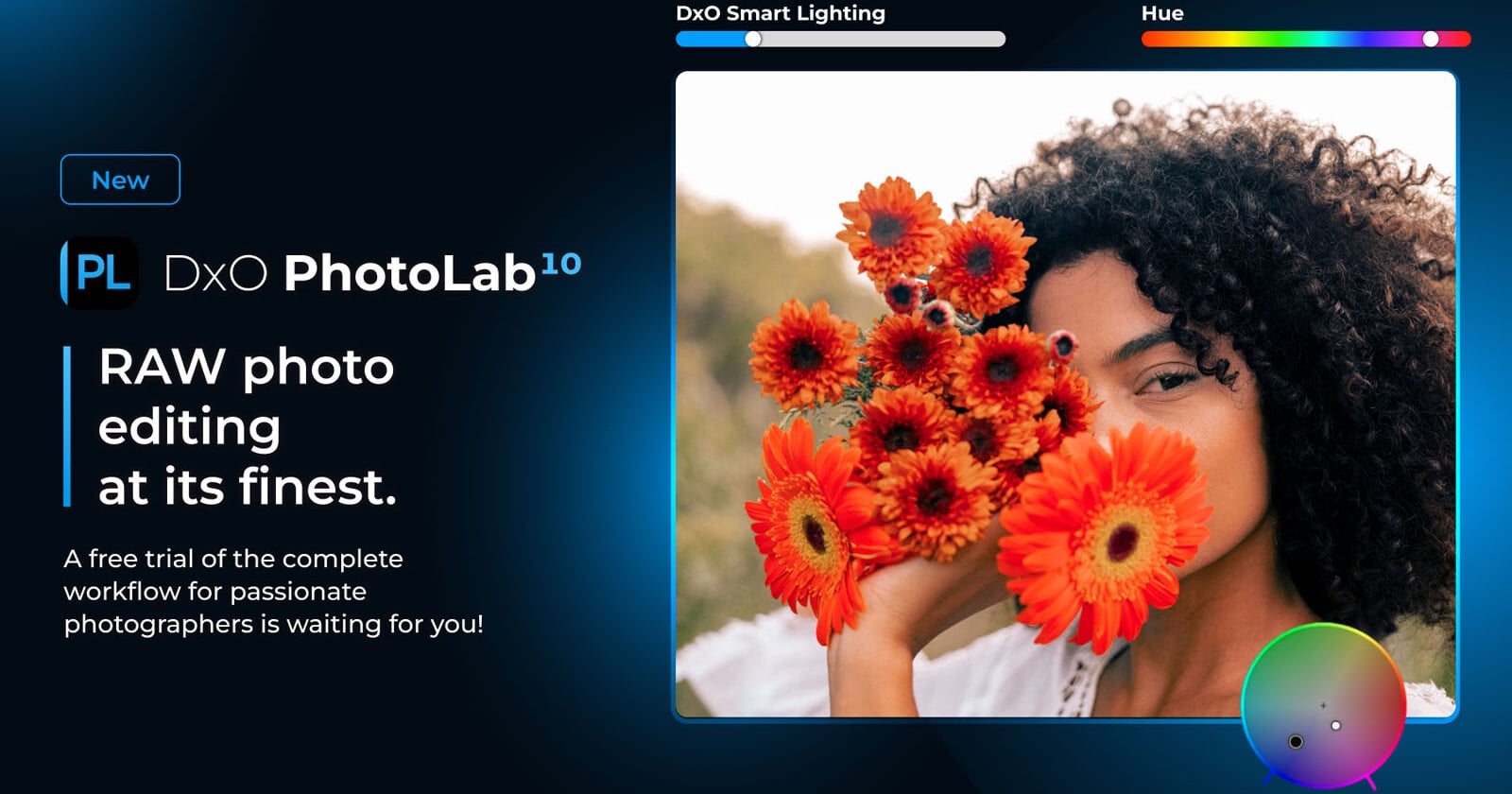
DxO PhotoLab 10 arrives at a pivotal moment in the photo editing landscape, one increasingly defined by the rapid evolution of artificial intelligence. The latest iteration’s emphasis on AI-driven masking and RAW image processing is not merely an incremental update; it represents a strategic positioning against competitors like Adobe Lightroom and Capture One. The shift towards more robust RAW handling and intelligent selection tools addresses long-standing user requests, solidifying PhotoLab's appeal as a compelling, and crucially, permanently licensed alternative. As highlighted in DxO PhotoLab 10 Hands-On: Finding Depth All Over the Place, DxO's approach increasingly distinguishes itself through its focus on depth and detail, a quality that resonates with photographers seeking nuanced control over their images. This release also comes amidst a growing consumer awareness regarding AI authenticity, a trend mirrored in Instagram's recent adjustments as reported in Instagram is Waking Up to the Fact That People Don’t Like Being Tricked by AI Creators, suggesting a broader cultural shift towards transparency and genuine artistry.
The enhanced masking capabilities are particularly noteworthy. Automated masking, especially when dealing with complex subjects like hair or foliage, has historically been a pain point in photo editing workflows. DxO's implementation promises a significant streamlining of this process, allowing photographers to focus on creative adjustments rather than tedious selections. Combined with the improved color grading tools, PhotoLab 10 offers a more complete and integrated editing experience, moving beyond its reputation as primarily a RAW processor and noise reduction powerhouse. This is a crucial evolution, as the modern photographer often demands a versatile suite of tools within a single application, minimizing the need for constant switching between different programs. The integration of AI isn't about replacing the photographer's artistic vision; it’s about empowering them with intelligent assistance, enabling faster and more precise adjustments.
Furthermore, PhotoLab 10's development aligns with the broader trend of AI permeating creative workflows. We've seen this exemplified in storage solutions like the OmniCore, which leverages AI to intelligently search and organize photo libraries, as detailed in OmniCore Is An All-Flash NAS That Uses AI to Search Your Photos. This signifies a move towards intelligent tools that not only process images but also understand their content, anticipating user needs and streamlining the creative process. While the debate around AI's role in art continues, its integration into photo editing software is undeniable, and DxO’s commitment to this direction demonstrates a clear understanding of the evolving needs of the professional and serious amateur photographer. The subscription model prevalent in many competing software packages remains a key differentiator for DxO, appealing to photographers who value ownership and long-term investment.
Looking ahead, the success of PhotoLab 10 will hinge on how effectively DxO balances AI-powered automation with the photographer's desire for creative control. The potential for AI to introduce biases or artifacts is a concern, and ensuring that the tools remain intuitive and customizable will be crucial. Will DxO continue to prioritize RAW processing and noise reduction, or will it further expand its offerings to compete directly with the broader creative capabilities of Adobe’s suite? The answer to that question will shape the future of PhotoLab and its position within the increasingly competitive landscape of photo editing software.
DxO has rolled out PhotoLab 10, the latest version of its chief photo-editing program, focusing much of it on adding features that lean more on RAW images and AI-driven masking. These features aim to plug gaps left by previous versions while also adding new elements for a tighter workflow.
Read on the original site
Open the publisher's page for the full experience