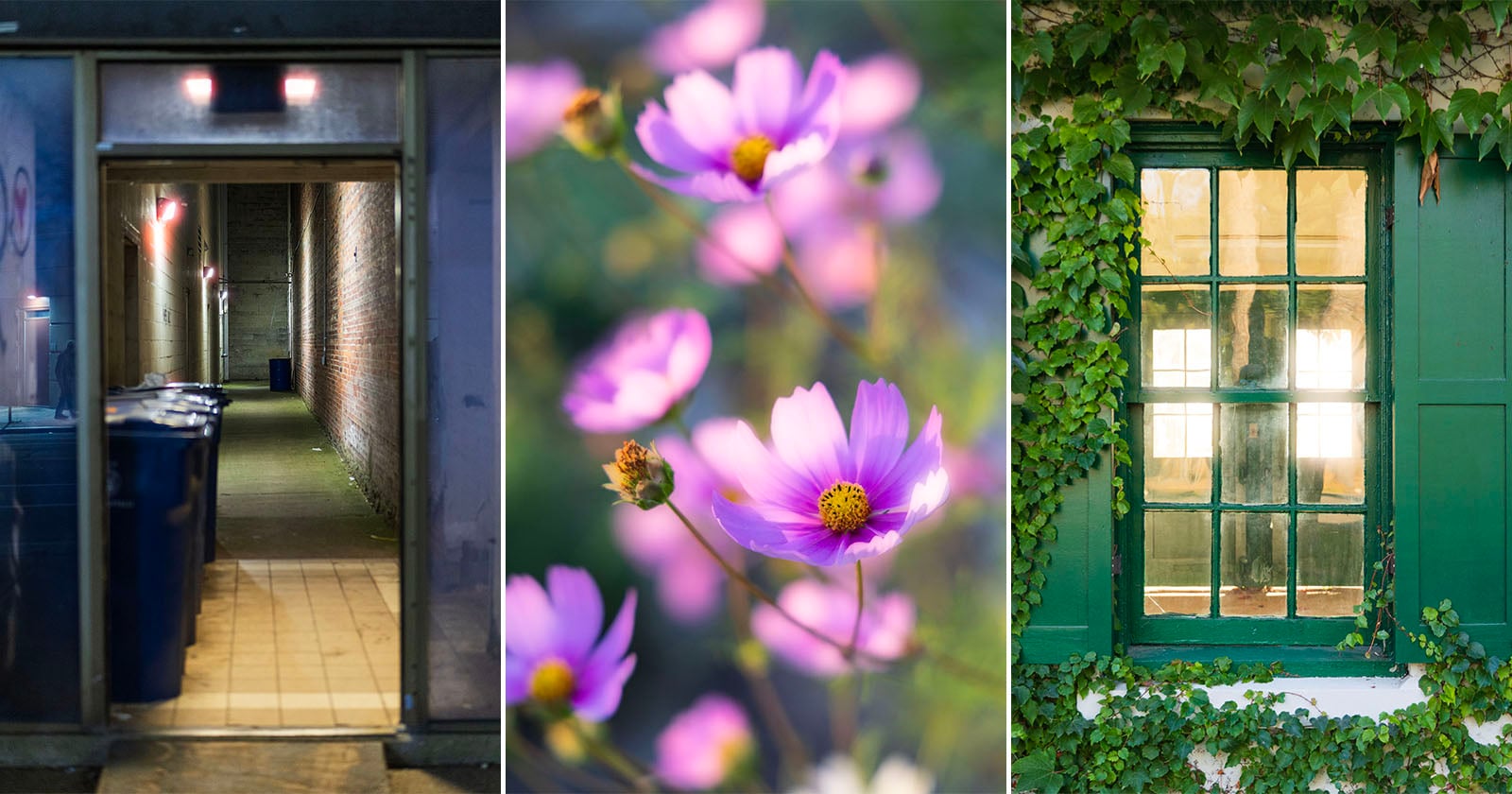
Adobe Camera Raw 18.6's new Glow feature is the rare update that rewards curiosity, and we think it deserves more attention than it's quietly getting. Tucked into the Effects panel, this tool lets photographers conjure an Orton effect or mimic film halation with a few slider moves, turning what once required layered masks or third-party plugins into an intuitive, real-time experiment. For our readers who treat post-processing as part of the creative act rather than a chore, this feels like an invitation to play, and that is exactly why we are drawn to it.
The practical appeal here is not about chasing trends or replicating a "vintage" look for its own sake. It is about expanding the vocabulary of your everyday images. A soft glow can transform a harsh midday alley into something cinematic, or give a cluster of pink cosmos flowers that dreamy, backlit warmth you might normally associate with expired film. The feature works because it does not demand technical mastery upfront; it asks you to explore, to nudge, and to see what emerges. In that sense, it aligns beautifully with the broader momentum we have been watching across the industry. Consider how Canon EOS R8 II: Elevating Photography with Artful Innovation frames its newest full-frame mirrorless camera as a tool for artistic expression, or how Canva ProSuite Unlocks Creative Power, Elevates Free Affinity Photo Editing pushes accessible design further into professional territory. Each of these moves points toward a shared truth: the line between capture and creation is blurring, and software like Camera Raw is becoming a more generous collaborator in that process.
What we appreciate most is the restraint in Adobe's approach. This is not a gimmick plastered across the interface, nor is it buried so deep that only power users will stumble upon it. It sits in the Effects panel, waiting for you to decide when the moment calls for it. That is the mark of a thoughtful tool. It respects your eye, your subject, and your intent. And for those of us who shoot both polished editorial work and raw, documentary-style frames, having this kind of control without leaving the raw editor is a quiet luxury. You are not locked into a preset or a one-size-fits-all filter; you are shaping light itself, one subtle adjustment at a time.
The one question we keep circling back to is how this will influence the way photographers approach their on-location work. Will we start composing with the glow in mind, knowing we can enhance it later? Or will we treat it as a post-hoc discovery, a happy accident we refine in the edit? Either path is valid, but the existence of this feature nudges us toward a more playful, experimental mindset. And that is a shift we can get behind. The next time you are reviewing a batch of images and something feels flat, do not reach for a heavy preset. Open the Effects panel, dial in a touch of glow, and let the image tell you what it wants to become. That is the kind of creative conversation worth having.