phone
6 stories filed under phone on Lee LHGFX Photography. The newest of them: “Three 200MP cameras meet Hasselblad artistry in Oppo's Find X10 Pro Max”, “When the Zoom Gets Real: Optical Clarity Over Digital Noise”, and “Rediscover Photography's Soul Through the Ritual of a Printed Image”. Three 200MP cameras. That pinch-to-zoom habit turns a sharp scene into a painterly blur, and the frustration is real. Lee LHGFX Photography is a dynamic portfolio and lifestyle hub built around the artistic work of @lee_lhgfx — a highly engaged Instagram creator and… The list below is every phone story on Lee LHGFX Photography, newest first.
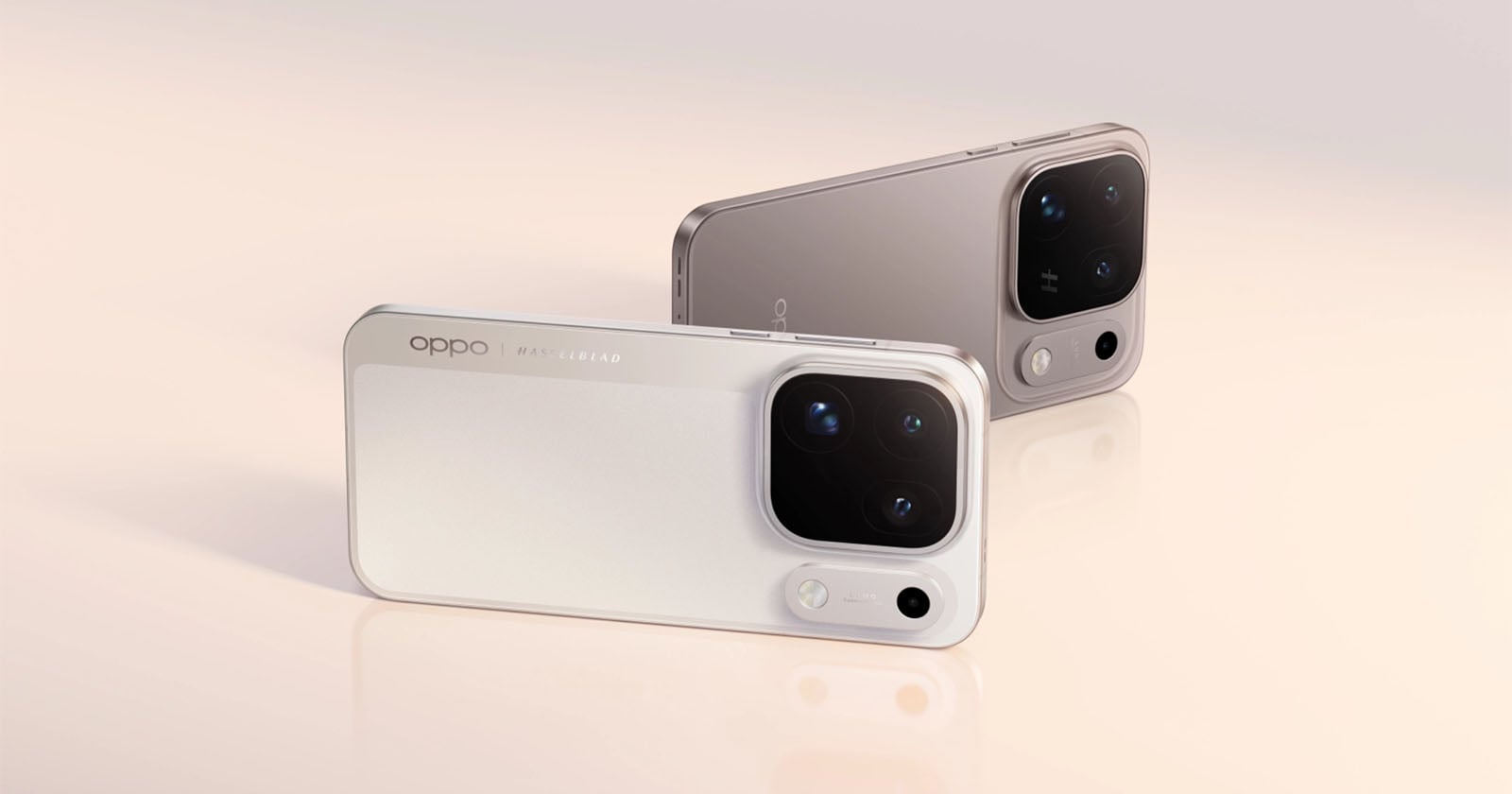
Three 200MP cameras meet Hasselblad artistry in Oppo's Find X10 Pro Max
Three 200MP cameras. One phone. That is the bold equation Oppo is proposing with the Find X10 Pro Max, a device that fuses Hasselblad's legendary artistry with an unprecedented triple-lens rear system. It is a confident, almost audacious step into a world where imaging technology meets luxury design. For those who crave the extraordinary, this is a curated invitation to explore a new kind of visual storytelling. Curious about other creative tools?

When the Zoom Gets Real: Optical Clarity Over Digital Noise
That pinch-to-zoom habit turns a sharp scene into a painterly blur, and the frustration is real. Optical zoom is the quiet hero here, preserving texture and edge clarity where digital zoom merely guesses at pixels. For anyone chasing authentic detail, the difference is everything. It is the line between a snapshot and an image with soul. If composition intrigues you, our piece on the Fujifilm X half invites a curious pause worth taking.
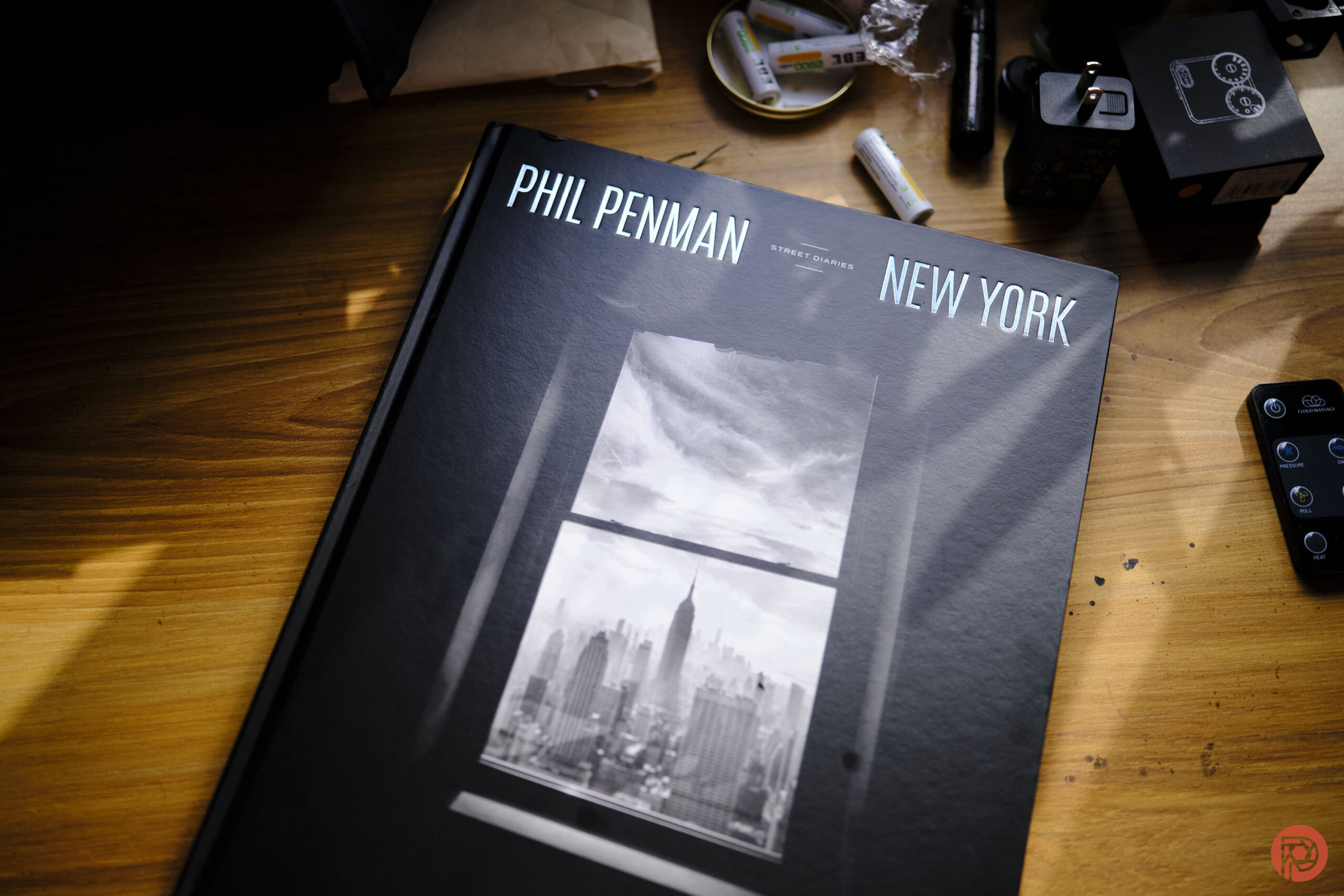
Rediscover Photography's Soul Through the Ritual of a Printed Image
Scrolling through images on a screen is fast, convenient, and, for a lot of photographers, quietly exhausting. There's a slower way to fall back in love with the craft, and it starts with an actual, physical print. This tactile ritual forces you to slow down, to commit to a single frame, and to see it as a finished object rather than a fleeting file. It's the difference between consuming and creating.
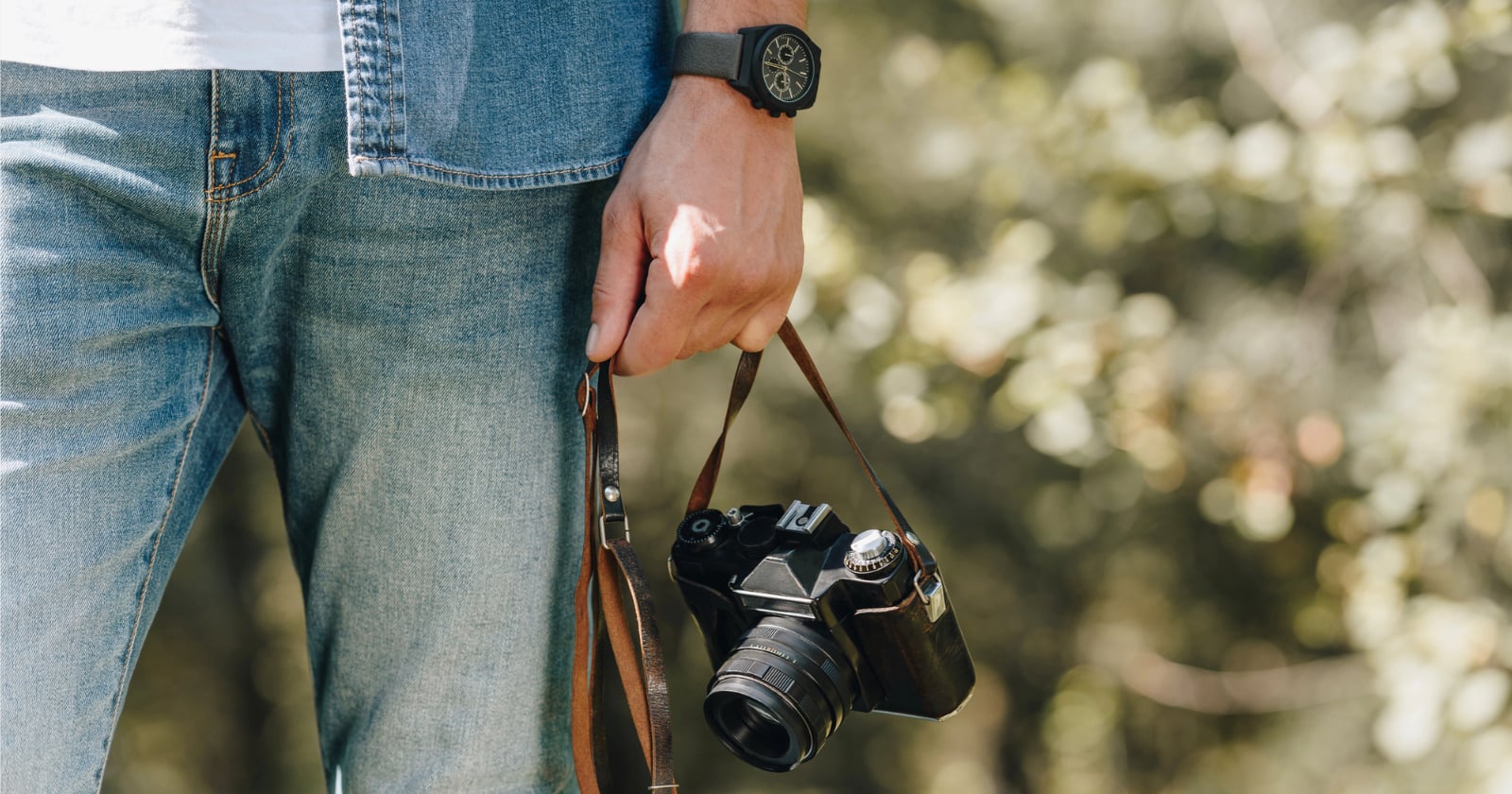
A Moment's Lapse: Are You Leaving Your Camera Vulnerable?
A camera left on a café table is a story waiting to be developed, and not in a good way. More than a fifth of us are guilty of stepping away, with Gen X leading the charge. We find that stat both relatable and a little unsettling. It is a quiet vulnerability in a public space. The moment is a gamble. For those who love the craft, protecting the tool is part of the art.

Capture Your Vision: Top DSLRs for Singapore's Rising Photographers
Every frame tells a story, and for Singapore's rising photographers, the right DSLR is the brush. A cost-effective choice beats a phone's limits, offering the controls that turn curiosity into craft. We've spotted a few Amazon picks that feel genuinely right for this journey. It's a practical, vibrant starting point. For more on visual storytelling, our piece on the unspoken dialogue between lens and loom in ancient silk offers a deeper artistic thread.
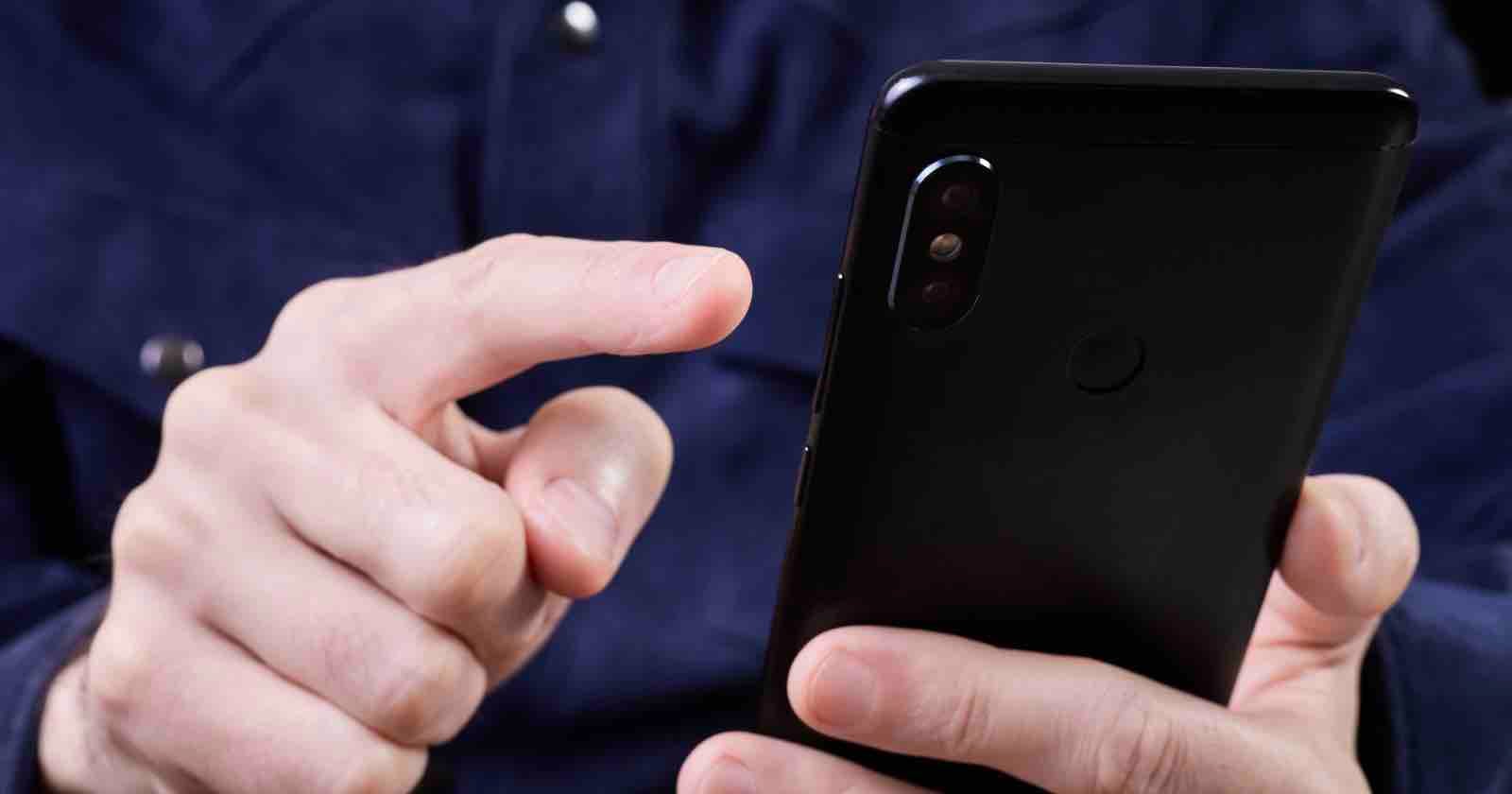
Data's Disappearance: A Novel Case Tests Digital Privacy Rights.
A single swipe erased more than vacation photos, it erased a legal boundary. The U.S. government is now prosecuting an American citizen for wiping his phone, a first-of-its-kind case that pits personal privacy against federal evidence rules. We find the tension quietly thrilling, not because the man is guilty or innocent, but because the act of deleting oneself has become the crime. It is a modern parable. For those drawn to how digital lives unravel, our piece on a photographer's $4.